Stop chasing status.Let your plan ask for it.
PingCadence emails every task owner a short check-in on your schedule, from your own Outlook or Gmail, after you approve it. Answers come back with new dates, ready for your report.

Works with the tools your team already plans in





Check-ins go out from your own Outlook or Gmail. Smartsheet coming soon. All integrations ›
How it works
Four steps. Then it runs on your cadence.
- 01
Bring in your plan
Connect your tracker, or upload an Excel or CSV export or a Microsoft Project file. Tasks, owners and dates come in, and your baseline is kept.
- 02
Set your cadence
Weekly, a few days a week, every 2–4 weeks or monthly, at the time you pick in your time zone. Each run refreshes your plan and prepares the check-in.
- 03
Review, then send
By default nothing goes out until you approve it. Check-ins come from your own Outlook or Gmail, so people recognize them and answer.
- 04
Decide on slips
Owners answer in about 30 seconds and propose their own new dates. You apply, edit or reject, and generate a status report any time.
What owners see
One page. No sign-in.About 30 seconds.
Each person gets one email with a link per task. They see the planned dates, tap On track, Not on track or Hard to say, and give a new date if it slipped.
- Sent from your address, under your name
- Reminders only to people who haven't answered
- Nothing in your tracker changes until you apply it
Built for the PM who has to answer “are we on track?”
You stay in control
A review step before every send, unless you turn on automatic sending for a plan. No date changes until you click Apply.
Dates, not vibes
Owners see the baseline start, end and duration, and propose a real new date when they slip.
Sends as you
Check-ins go from your own Outlook or Gmail address, so people recognize them and reply.
Reminders that don't nag
One click, or automatically every few days, and only to people who haven't answered. Never more than one email a day each.
Report on demand
Every task, status, proposed change and comment, as a page, a PDF or a CSV.
Light for owners
No account and no app. One page: on track, not on track or hard to say, plus an optional comment.
See it in action
PingCadence in about a minute
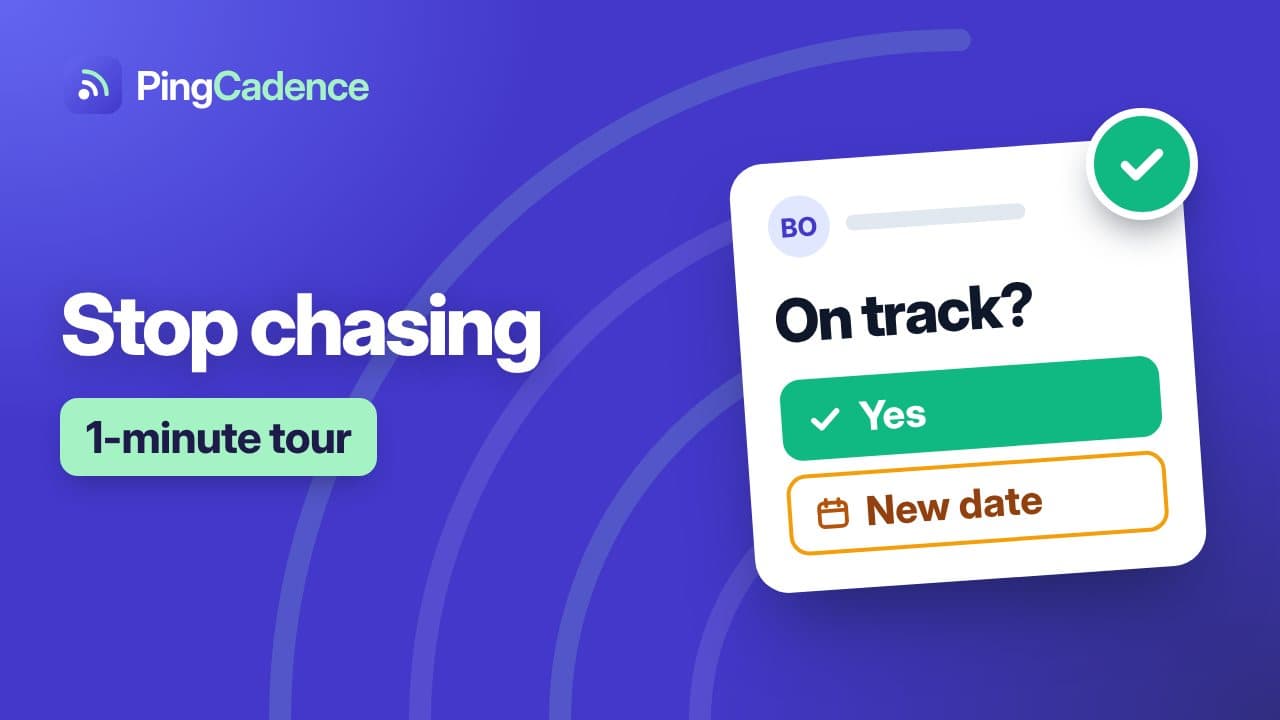
Captions on by default. Using a specific tool? Watch the how-to for each integration ›
From the blog
Practical reads for project managers
Jira
How to export Jira issues to Excel with assignee email addresses and due dates
Why Jira's CSV export has no assignee emails, and three ways to get them: Jira Cloud for Sheets, an admin user export joined by account ID, or asking.
Read more ›
Scheduling
When to re-baseline a project schedule (and how to do it without hiding the slip)
Why only critical-path slips justify a new baseline, the reasons that don't, and how to re-baseline in Project or Excel without erasing history.
Read more ›
Status updates
How to ask your team for a status update (and get an answer you can use)
Why “any updates?” fails, the one question that works, and copy-paste templates for email, reminders and chat.
Read more ›
FAQ
Questions, answered
- What is PingCadence?
- PingCadence is a status-collection tool for project managers. It reads tasks, owners and dates from your plan, emails each owner a short check-in on a schedule you set, collects their answers, and shows you a roll-up of what is on track and what is slipping.
- Does PingCadence change my project plan automatically?
- No. When someone reports they are not on track they propose their own new start, end or duration. You then choose to apply it to your tracker, edit it by hand, or reject it. Nothing is written back without your explicit action.
- Do I have to approve emails before they go out?
- By default, yes. Every batch of check-ins waits in a review screen where you can edit the recipients and add up to three extra questions per person, then approve and send. Once you trust a plan's setup, you can turn on automatic sending for that plan: check-ins then go out at the scheduled time to everyone on its Who gets asked list, and you get an email listing who was asked.
- Can PingCadence remind people who haven't answered?
- Yes. Click Remind on the plan page at any time, or turn on automatic reminders in the plan's schedule: every one to seven days, up to five times, only to people who haven't answered, on weekdays (and any weekend day your schedule runs on), and only until the answers are due. Nobody gets more than one email a day.
- Do the people I check in with need an account?
- No. Each recipient gets a private link in the email and answers on one page: on track, hard to say, or not on track, plus an optional comment. They never sign up or install anything.
- Which tools does PingCadence work with?
- Today: Microsoft Excel & CSV, Microsoft Project, monday.com, Asana, Jira, Wrike, Trello, ClickUp and Microsoft Planner. Planned: Smartsheet. An Excel or CSV export works as a bridge for any tracker in the meantime.
Your next status update,without the chasing.
Free to start. Founding teams get Pro free for 30 days, then half price for life.