
Integration
Asana status check-ins
Check in with assignees on Asana tasks and apply approved date changes back.
Connect AsanaAvailable
Watch the setup · 2:41
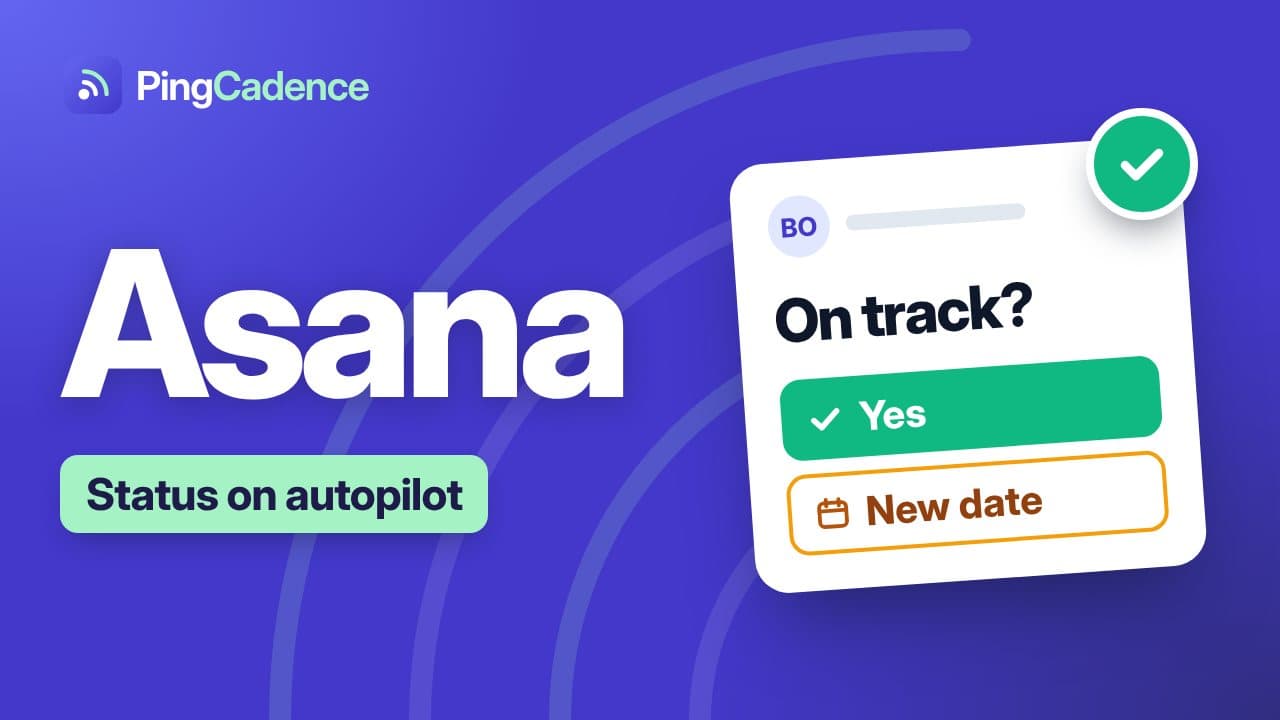
Connect Asana, review and send a check-in, and apply approved dates back to the task.
How it connects
Click Connect Asana, approve access, and choose a project. PingCadence reads tasks, assignees, start and due dates.
What PingCadence reads
Tasks, assignee, start date, due date.
Applying date changes
When a task owner proposes new dates, you choose to apply them to Asana, edit manually, or reject. Nothing is written back automatically.
Support for the Asana connection
Questions or problems connecting Asana? Email hello@pingcadence.com. Tell us which plan or project you were connecting and what you saw, and attach a screenshot if you have one.